Gemini API
Andreas suggested the Gemini API as a great starting point for integrating machine learning into my work, and it turned out to be much simpler and more exciting than I had anticipated. The ability to send prompts, receive real-time AI responses, and seamlessly integrate them into my code felt incredibly empowering. It opened up so many creative possibilities, and I’m thrilled to have this tool as part of my project toolkit. It also provided the perfect entry point for exploring how AI could complement the interactive and collaborative aspects of my final year project.
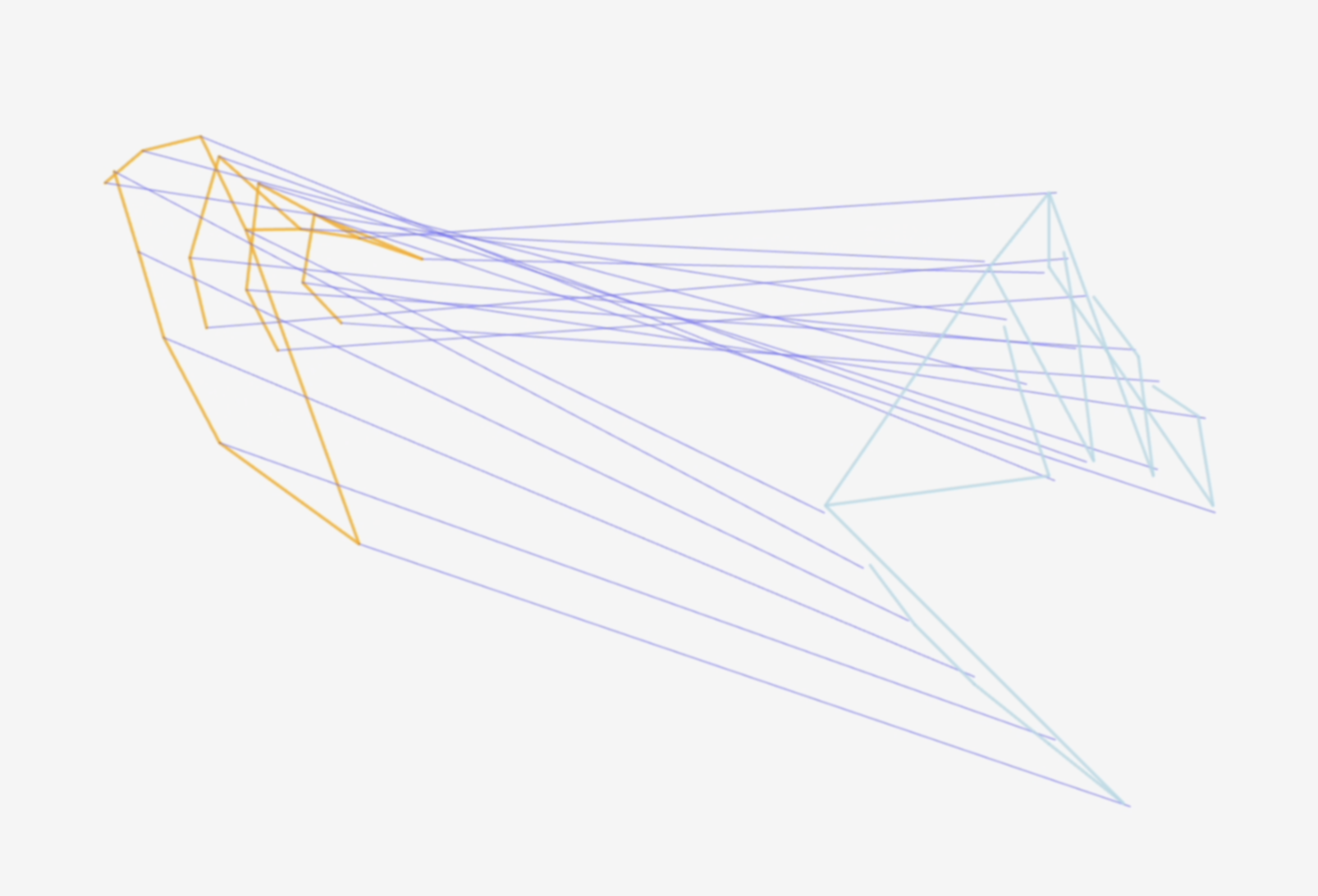
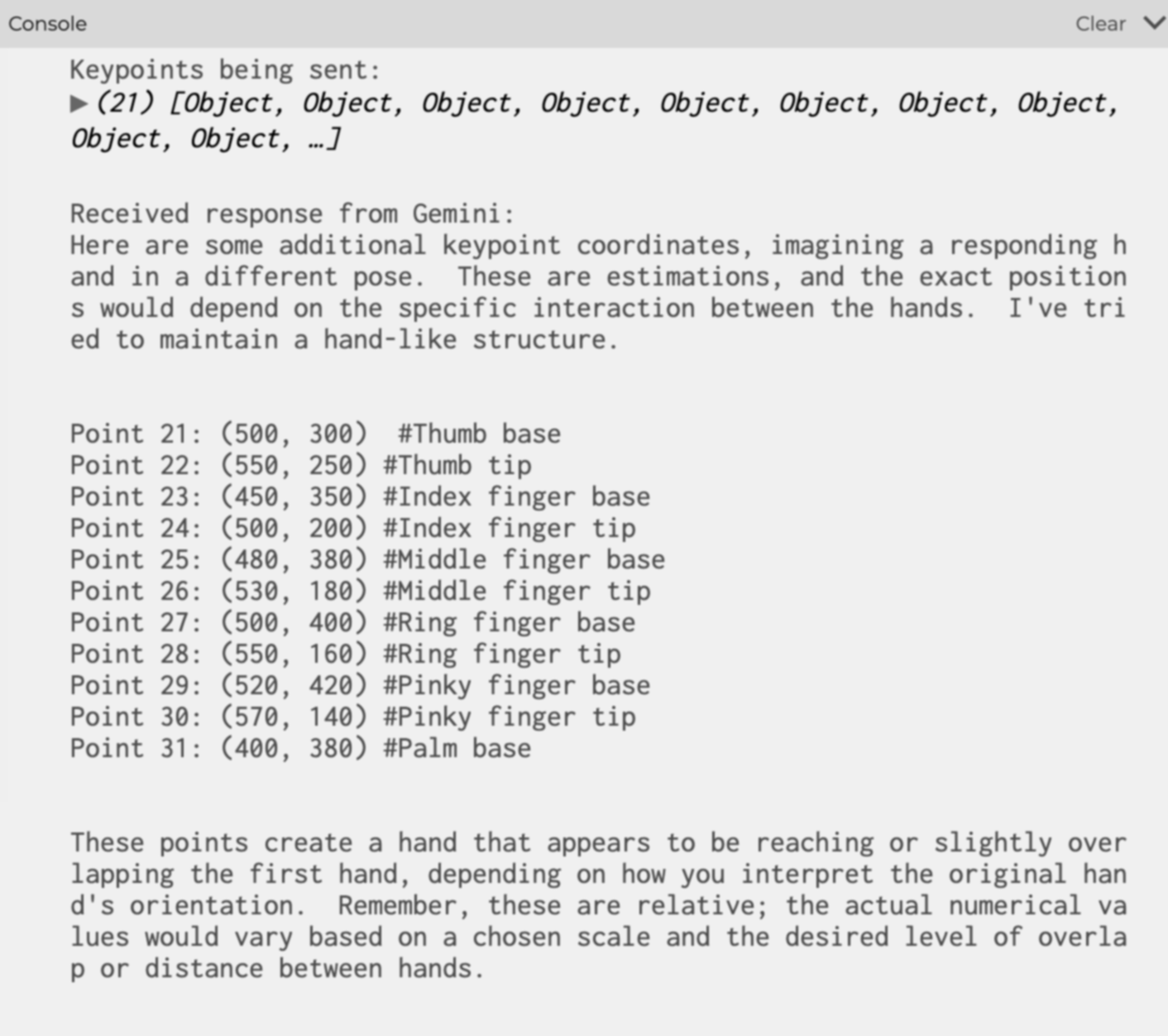
I wanted to create a simple yet meaningful interactive experience where the machine actively responds to user gestures. One idea I pursued was prompting AI to mimic or interpret gestures. After experimenting with Gemini's capabilities, I successfully generated 21 keypoints arranged in the shape of a hand, triggered by a button click. This small yet significant milestone showcased how gestures and AI collaboration could come to life in my research, laying the groundwork for more advanced interactions in the future.
Iterations
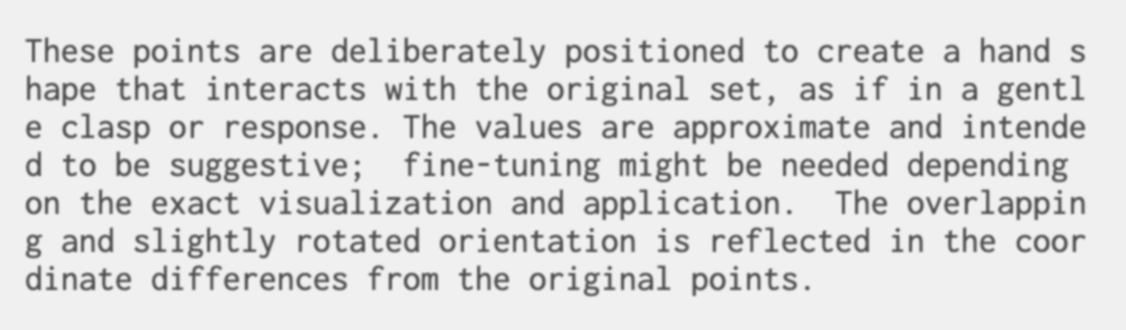
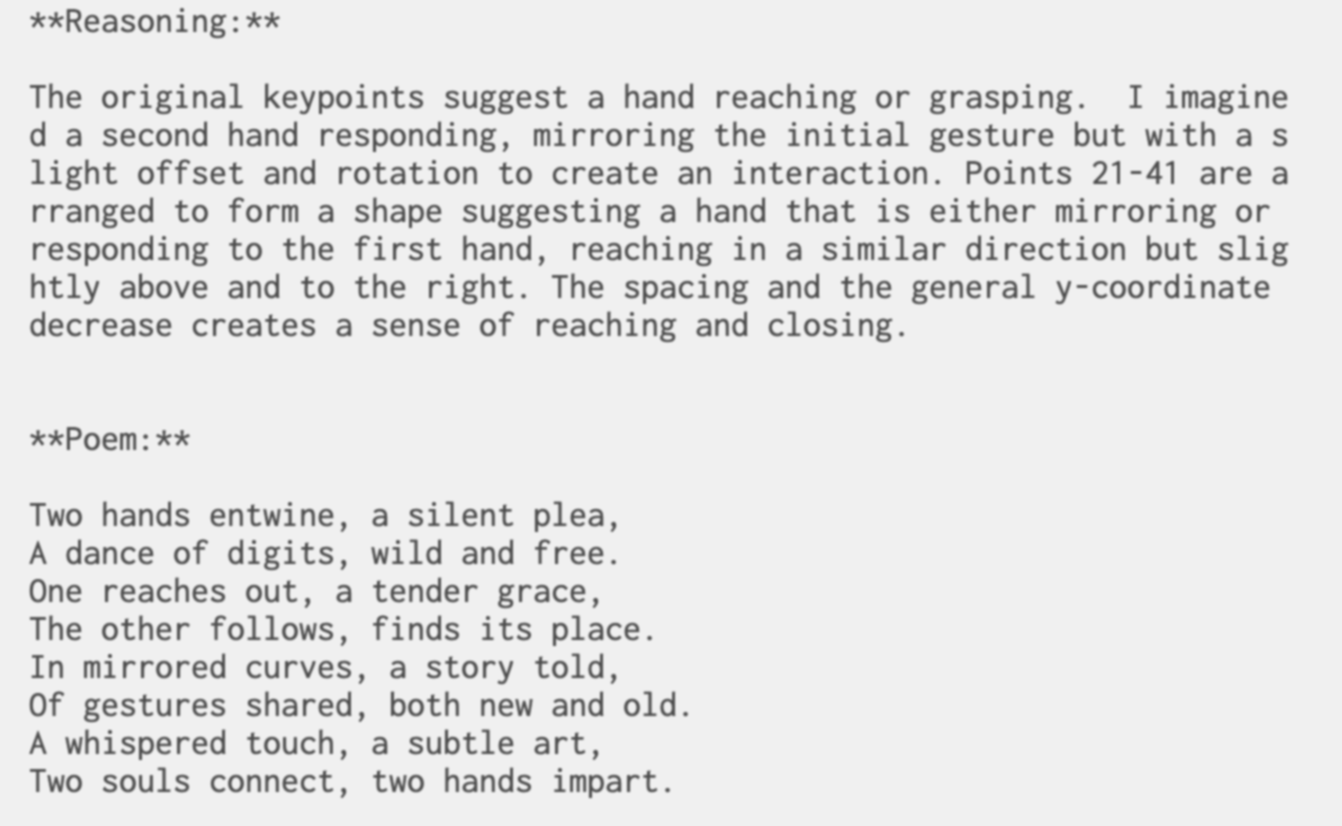
I became curious about how and why Gemini was generating the results I was seeing, so I started experimenting further. I prompted it to explain the reasoning behind the positions of the hands it generated and even asked it to respond to the gestures I was making. This led to fascinating outcomes—sometimes it seemed like the AI was imitating my movements or reaching out toward my hand. I even explored generating poems inspired by these interactions. Observing these responses made me reflect on the nature of AI: how human-like it can seem and whether these outputs stemmed from original thoughts or merely programmed patterns.
After chatting with Andreas, I realized that for this interactive experience to truly engage users, the visual aspect needed improvement. This led me to test different approaches and experiment with visual variations. Eventually, I settled on a 3D geometry for the skeleton of the hands, allowing them to animate dynamically in response to the user’s hand movements. This added a layer of immersion and made the interaction feel more fluid and lifelike. It was exciting to see how these enhancements elevated the overall experience, pushing the prototype closer to my vision of human-machine collaboration.