Matter.Js
My practical work has been a bit behind schedule recently, mostly because I've been juggling office work, school assignments, and my RPO, which, as usual, is not the best reflection of my time management skills. However, with the formative assessment for my practical portfolio coming up this week, I’m focusing on getting that in shape for now. While I’ve already conducted a few experiments, I really wanted to push myself to create something fresh for the showcase. I’ve been particularly keen on exploring the handPose function’s ability to detect different keypoints on the fingers, and I’m excited to use this as the basis for an interactive experience. I think it would add a dynamic, gesture-based element to my portfolio that aligns with the themes I’ve been researching.
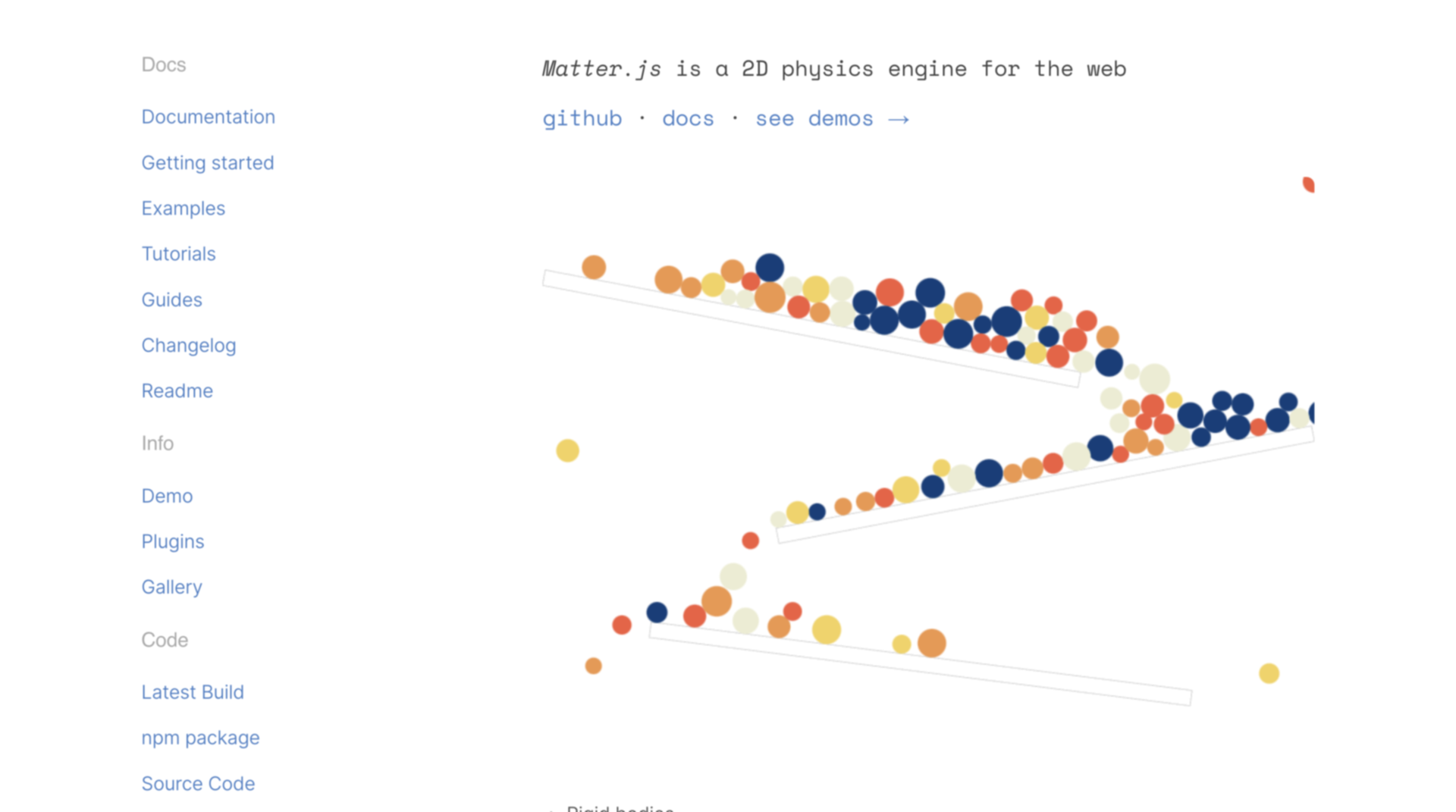
In addition to that, I’ve recently been introduced to Matter.js at work by my mentor, and I have to say—it’s been a lot of fun to experiment with. Matter.js is a 2D physics engine for the web that allows you to simulate real-world physical interactions, like gravity, collisions, and forces, within a canvas element. What I find particularly exciting about it is the ease with which you can create interactive simulations, such as bouncing objects, draggable items, or even simple games, all while leveraging realistic physics. I’m looking forward to experimenting more with Matter.js to see what kind of creative, physics-driven interactions I can integrate into my project for a more engaging experience.
Formative Feedback
Given the tight timeline for my practical portfolio, I had to be strategic and efficient in my approach. I knew I couldn’t afford to waste time reinventing the wheel, so I leaned on tools I was already familiar with. For instance, the Matter.js library, which I’d recently used during my internship, proved to be perfect for simulating physics effects like magnetism. It was an ideal fit for what I wanted to accomplish, so I started with a simple sketch to test the functionality of the ml5.js library. My goal was to see if it could reliably detect when different fingers were raised, labeling them accordingly. Research also pointed out that the pinching gesture was one of the most recognizable by computer vision, so I decided to use that as a key interaction.
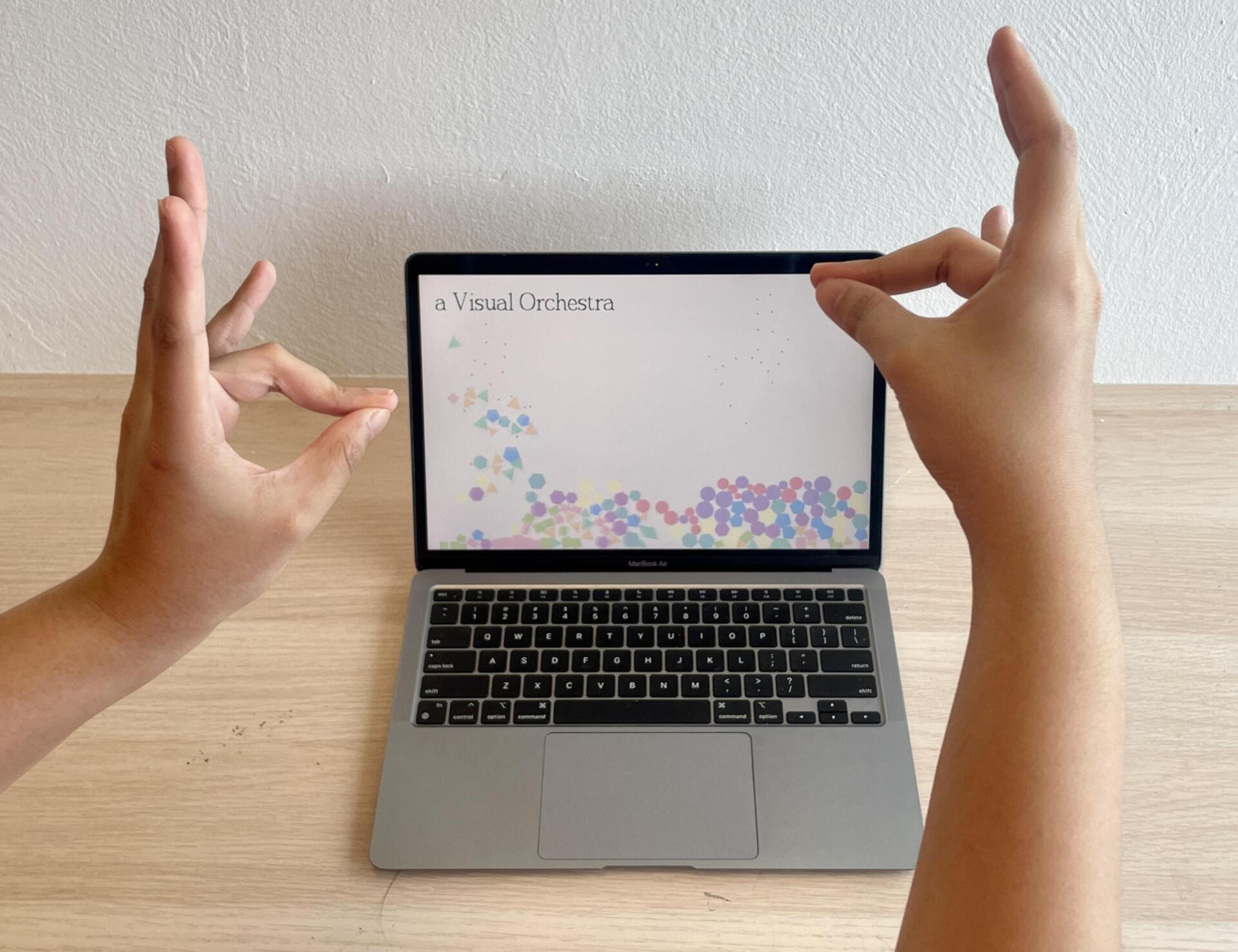
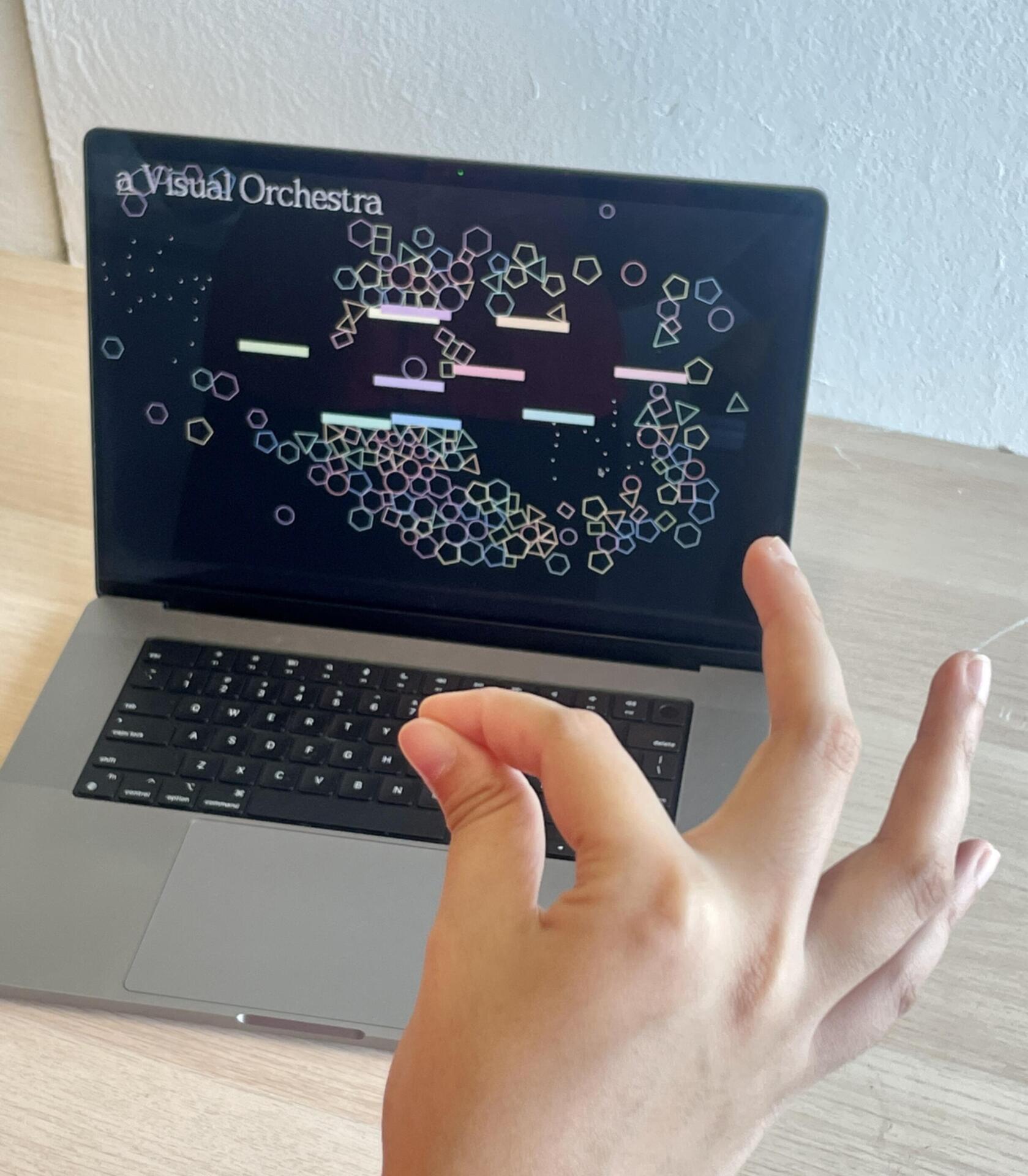
With this foundation in place, I started developing what I called a "visual orchestra." I created various shapes using Matter.js and placed them within a bounded window to keep them from falling off the screen. These borders were static and acted like invisible walls that would deflect the objects back into view. The real magic happened when I incorporated the pinch gesture: whenever the system detected a pinch, it would create a magnetic effect, drawing different shapes toward the pinched fingers. To keep things interesting, I built a second version where the hands acted as repellent magnets, pushing the objects away when they got too close. I also added a feature where, if the pinch gesture was held for three seconds, the user could create a static rectangular body that would cause other objects to deflect off it.
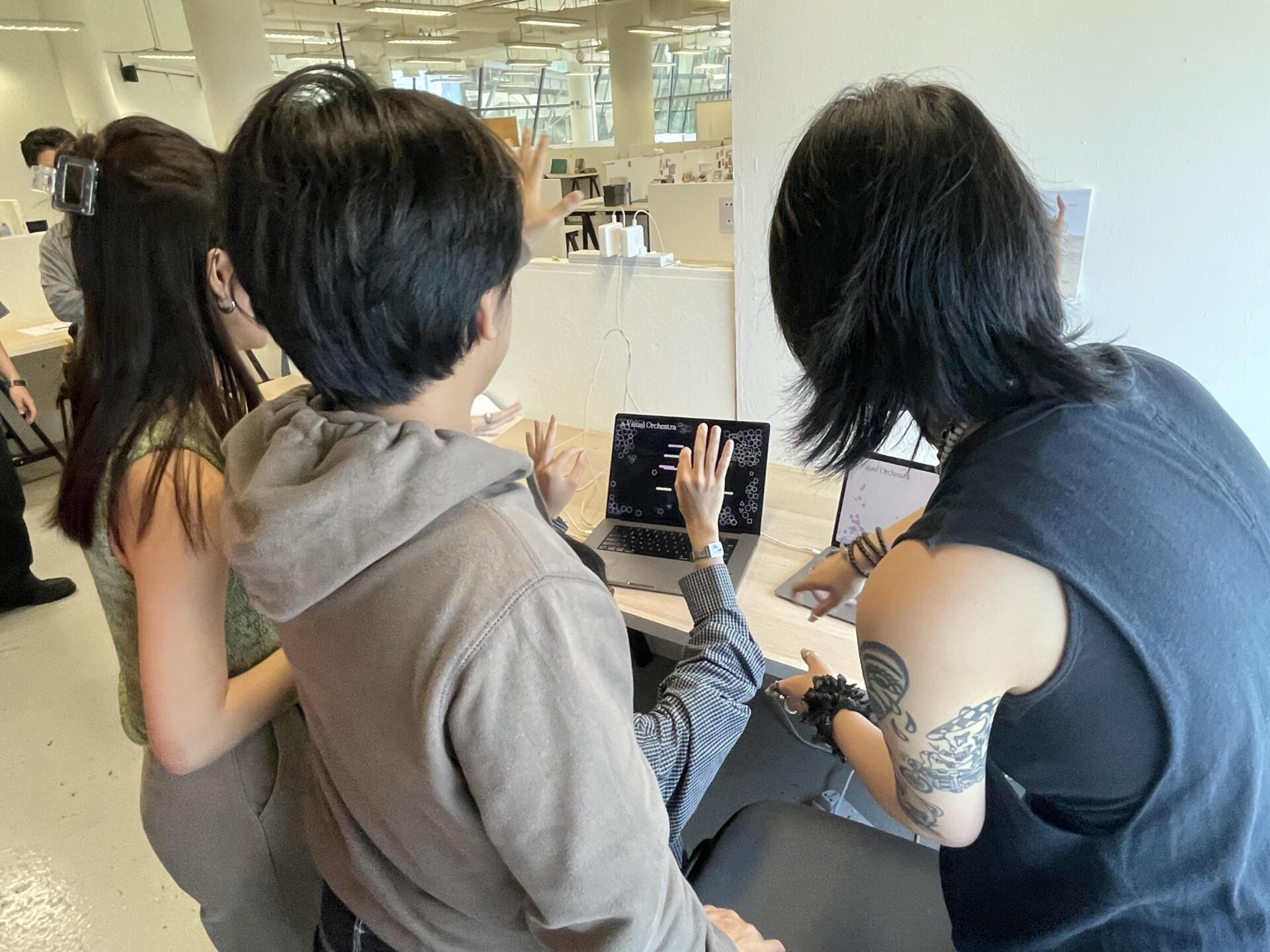
With both of these interactive sketches ready, I set them up for the table showcase for our formative submission on Friday. During the table crit, I asked some of my classmates to try interacting with the sketches, and it was fascinating to observe their reactions. People really seemed to engage with the playful aspects of the interaction—there was something inherently fun about seeing the objects react to their hand gestures. It was also interesting to watch how people experimented with gestures I hadn’t programmed into the sketch, trying to make things happen that I hadn’t anticipated. This gave me valuable insight into how intuitive or predictable the gestures were, and how users might naturally interact with the system.
Overall, the table crit went well, but there was one area I realized I needed to improve on: my display setup. I hadn’t really thought much about how to present the interaction until the end of the class when Andreas showed us examples of how others had set up their displays. This was a good reminder of how crucial presentation is in making an interactive experience accessible and engaging. Moving forward, I’ll definitely pay more attention to the setup and context in which the interaction takes place to ensure it complements the work itself.