Building a game
After all the presentations, I finally returned to the part I was most excited about: actually building the ASL learning game. My first idea was to create a kind of typing game, where a word would appear on screen—like “apple” or “dog”—and the player would have to spell it out using ASL finger spelling. The concept was inspired by classic spelling games, but instead of using a keyboard, your hands would be the input. To build this, I started by sending the hand landmark coordinates from Python (using MediaPipe) to the browser through the WebSocket server I had set up earlier. These keypoints represented the hand’s current pose in real time and formed the raw data needed for gesture detection. On the browser side, I was already visualizing the keypoints with green circles from earlier tests, but now I wanted to build a layer on top that could handle logic for checking whether the correct ASL sign was being made.
For detection, I integrated the same pretrained ASL classification model I had tested earlier. The model would predict a letter from the webcam feed, and I sent that prediction along with the keypoint data to the browser. The browser then compared the detected letter to the next letter in the displayed word. If it matched, the game advanced to the next character. If not, it would wait until the right sign was made. It felt a little like a dance between real-time recognition and waiting for precise hand shapes—which was both satisfying and slightly frustrating to test. The responsiveness of the gesture detection really mattered here; even a slight delay or misclassification could throw off the rhythm of the game. But at its core, this experiment helped me begin thinking of ASL not just as a visual language, but as a form of interaction—and interaction as something that could be both educational and playful.
Balancing priorities
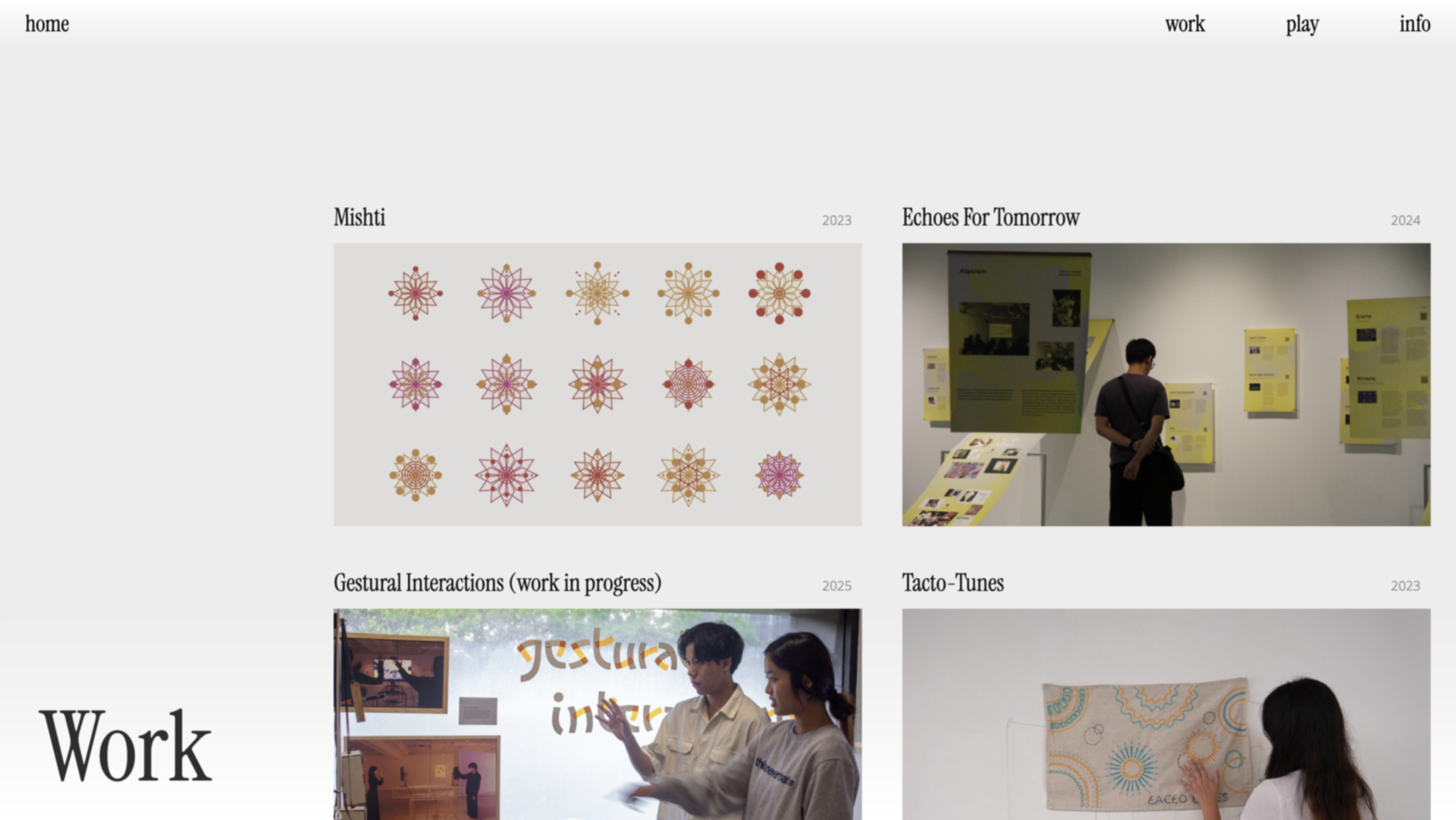
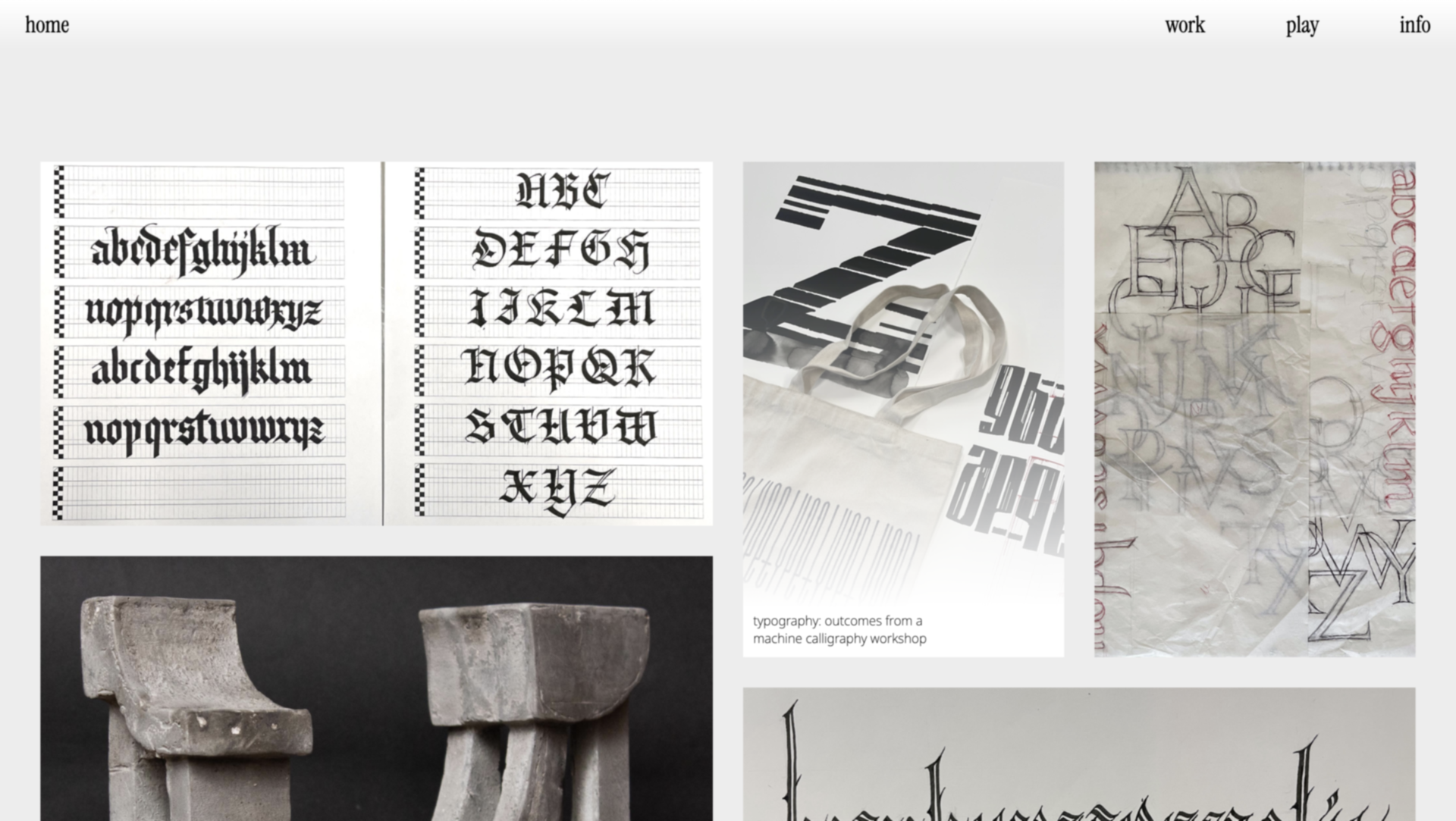
After weeks of working nonstop on my FYP project, I decided it was time to take a short break from all the gesture recognition and Python scripts and shift gears toward something equally important: finishing my portfolio website. I had been slowly chipping away at it over the semester, but with graduation creeping closer, I knew I needed to properly polish it and start sending out job applications. Luckily, after doing so many web projects for school over the past few years—whether it was coding interactive p5.js experiments, building project showcases, or styling HTML pages—starting from scratch didn’t feel too overwhelming. This time, I wanted to push it a little further: I created an interactive landing page using Matter.js where objects respond to mouse movement, making the site feel alive right from the start. I also built a Work page to display all my main projects and a Play page for side experiments and personal pieces that didn’t necessarily fit under polished client work.
That said, I still spent a fair amount of time finessing the smaller details—making sure the typography was consistent across pages, optimizing images so the site wouldn’t load too slowly, and tweaking the mobile layout to feel just as intentional as the desktop version. I wanted the portfolio to feel interactive without being overwhelming, and to reflect a bit of my experimental side alongside the more structured project work. Once I was happy with the structure, I finally pushed it live and began drafting emails and cover letters to studios and agencies I was excited about. It felt nice to shift into a slightly different headspace for a while—more outward-facing, focused on sharing the work rather than building it.